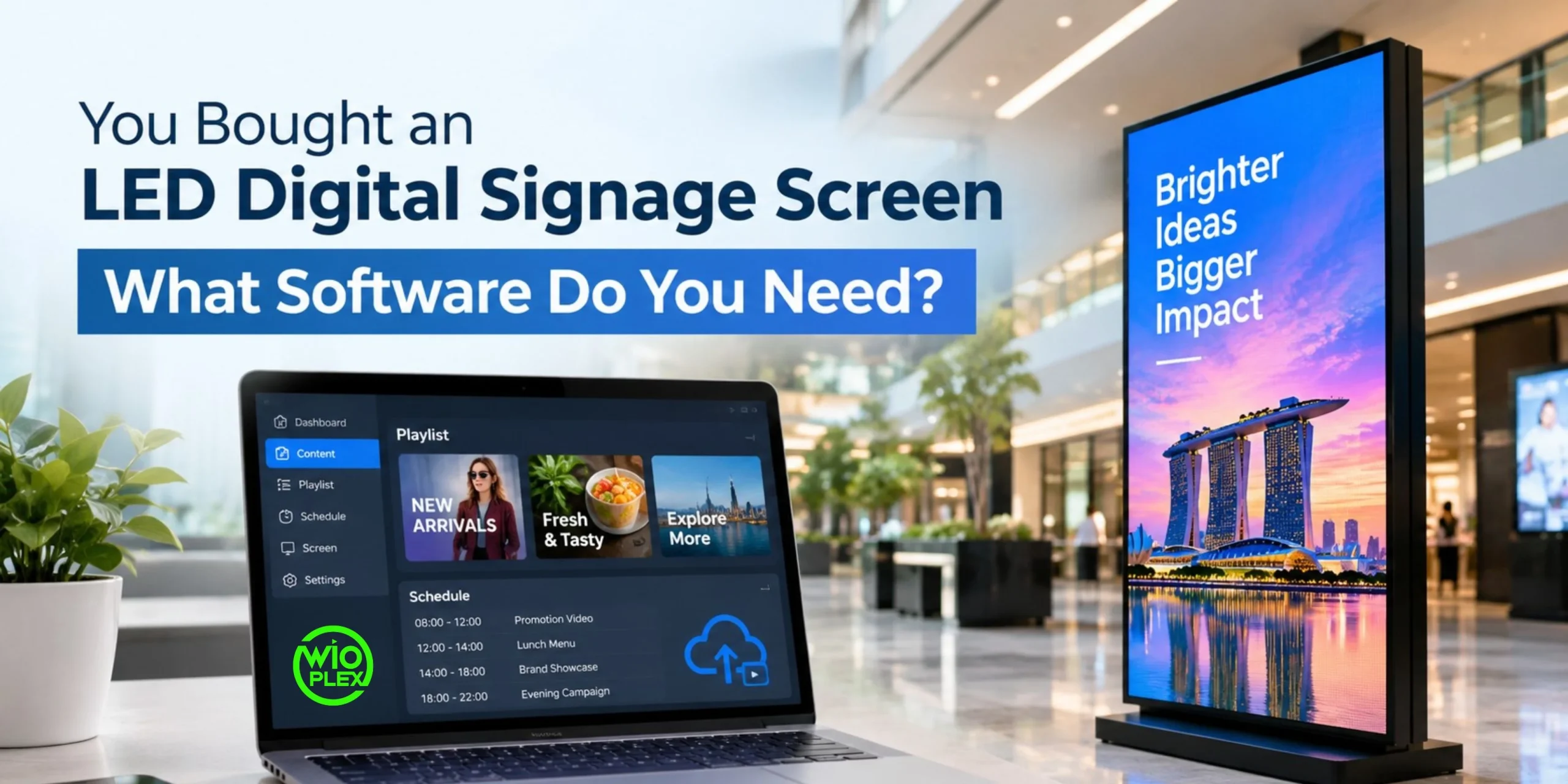
Managing a digital signage network across multiple locations—whether across retail stores, clinic waiting rooms, corporate campuses, or F&B outlets—often turns into an operational tug-of-war.
On one side, central marketing and brand managers need total control over official branding, corporate guidelines, and global promotional campaigns. On the other side, local venue managers, regional staff, and site operators need the flexibility to push urgent local notices, update daily menu specials, or launch location-specific offers.
Without built-in administrative controls, this balance degrades into two common operational nightmares:
The Bottleneck: Every minor local update must go through central marketing, causing delays and overwhelming HQ with simple administrative requests.
Brand Anarchy: Local teams are given full admin access, resulting in off-brand fonts, outdated logos, stretched images, or accidental deletion of master playlists.
Wioplex solves this challenge through Role-Based Access Control (RBAC) and Granular User Permissions built natively into its cloud-based digital signage software. Here is how enterprise and multi-location businesses can delegate local screen controls seamlessly while keeping corporate brand integrity 100% secure.
Understanding Role-Based Access Control (RBAC) in Wioplex
Role-Based Access Control (RBAC) in Wioplex is an administrative governance framework that restricts dashboard capabilities based on an employee’s role within the organization.
Instead of assigning permissions screen-by-screen or sharing master admin passwords, Wioplex allows master administrators to define distinct user tiers—such as Global Admin, Regional Manager, or Local Content Contributor—and assign scoped permissions accordingly.
[ Central HQ / Master Admin ]
  ├── Full Control: Global Branding, Master Templates, System Security
  │
  ├── [ Regional / Branch Manager ]
  │     └── Scoped Access: Zone Editing, Approved Media Uploads, Local Schedules
  │
  └── [ Wioplex Cloud Player Fleet ]
        └── Output: Locked Brand Framework + Dynamic Local Content Updates
How Wioplex Software Balances Local Flexibility with Centralized Control
Wioplex equips enterprises with built-in cloud capabilities designed to give local teams agility without sacrificing central oversight:
1. Zone-Level Layout Locking
With Wioplex’s drag-and-drop layout builder, central designers can create multi-zone layouts and lock specific zones:
Locked Zones: Enterprise branding headers, company logos, disclaimers, and primary promotional videos remain read-only for local staff.
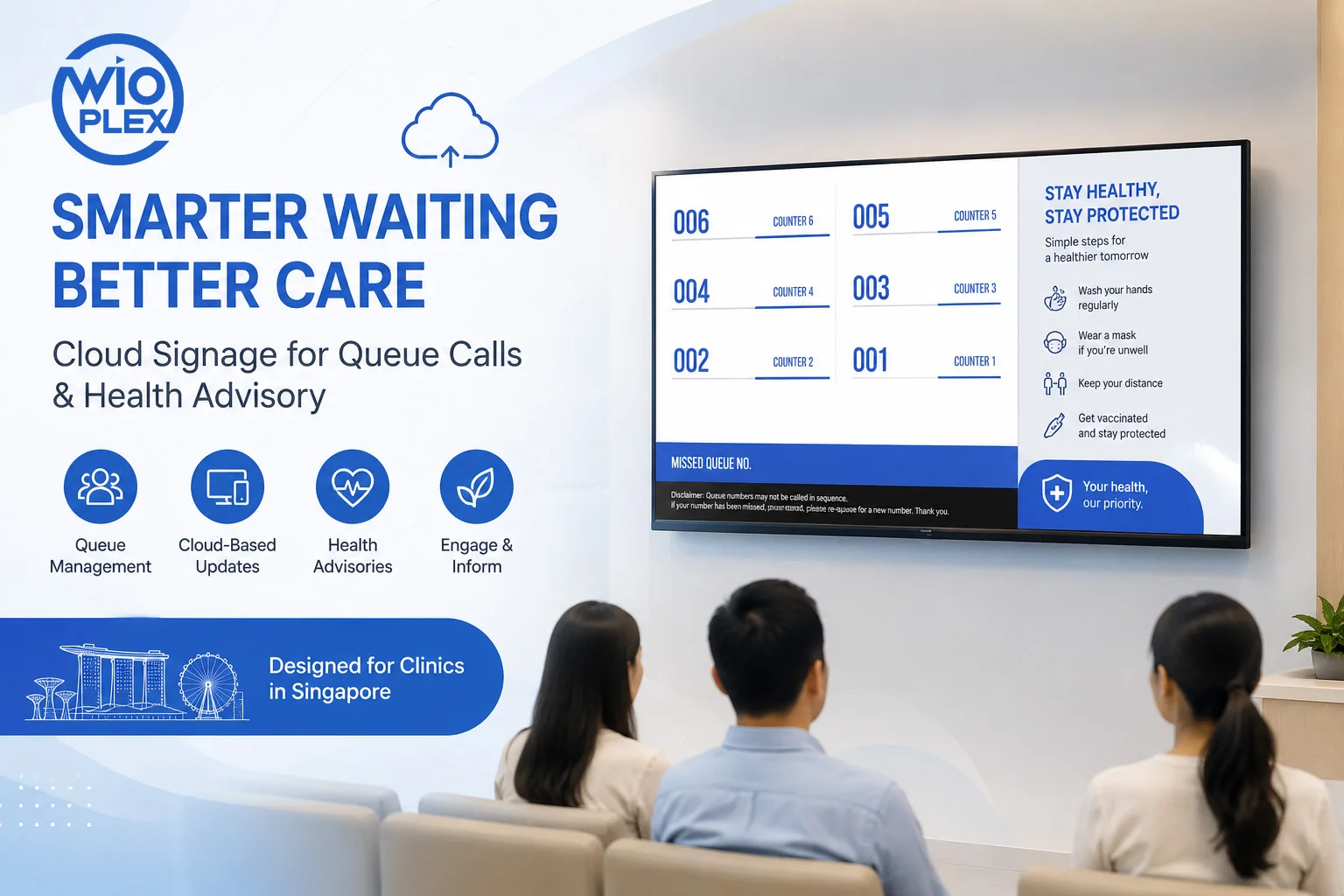
Editable Zones: Designated content boxes—such as daily specials, local event timetables, queue calls, or store notices—are unlocked for local updates.
2. Curated Libraries, Free Templates, and Apps
Allowing staff to upload unvetted files often causes formatting issues. Wioplex includes ready-to-use professional design templates and built-in app widgets (such as live weather feeds, news tickers, and social media walls). Central teams can curate approved media folders, allowing local managers to quickly customize content using pre-approved assets that automatically fit the screen layout.
3. Intelligent Scheduling & Emergency Alerts
Wioplex software supports time-limited scheduling and automated rules. Local managers can schedule time-sensitive promotions that automatically expire (perfect for lunch specials or flash sales), while central administrators retain override authority for instant emergency alerts or mandatory company-wide broadcasts.
4. Scope Access by Location, Display Group, or Industry Use Case
Whether managing F&B digital menu boards, retail promotional screens, touchscreen kiosks, or indoor wayfinding displays, Wioplex lets admins group displays by tags (e.g., Location: Jurong East, Industry: Clinic Waiting Room). Local branch staff are scoped strictly to their assigned display group, eliminating the risk of accidentally pushing updates to screens in another outlet.
5. Cross-OS Compatibility & Multi-Screen Scalability
Because Wioplex is designed as a scalable cloud signage ecosystem, it supports multiple operating systems (Android, Windows, LG webOS, Samsung Tizen, SoC, etc.). IT administrators can set user roles and monitor display health across a mixed-hardware fleet from a single centralized dashboard.
Key Enterprise Benefits of Wioplex User Permissions
Eliminates HQ Bottlenecks: Local branch teams upload approved media or tweak daily text in seconds without submitting IT support tickets.
Guarantees Brand Consistency: Fonts, colors, logo placements, and master messaging stay locked across hundreds of screens nationwide.
Protects Network Security: Enterprise-grade encryption, secure user logins, and role isolation protect your digital display network from unauthorized access or accidental content deletion.
Simplifies Staff Training: Scoped user views mean local operators only see the basic tools they need, reducing training time to minutes.
Empower Local Teams Without Giving Up Brand Security
Cloud-based digital signage software should accelerate communication, not create administrative bottlenecks or compromise brand identity. With Wioplex, enterprise organizations can give local managers the freedom to keep content fresh, engaging, and relevant—while keeping corporate brand integrity protected across every display.
Ready to streamline your multi-screen digital signage network? Contact Wioplex today to request a live demo of our cloud software dashboard.